
Abstract: AI agents lean on grep. Understand’s MCP server gives them violations, metrics, references, and dependencies that grep can’t find, plus a built-in chat for teams that can’t use outside agents.
A couple months ago, I wrote about building an MCP server for Understand. I figured that was the end of the story.
It wasn’t, and that’s good news for you. AI in Understand has come a long way since then. We’re now shipping an MCP server you can use with your own agents and a brand new AI chat that can answer project-wide questions.
What is MCP?
MCP is a protocol for providing tools to an AI agent. So, providing an MCP server is providing tools the AI can use to answer your code questions. Understand is now shipping with an MCP server you can set up to empower your AI agents (Cursor, Claude, etc.).
That’s great! But suppose you can’t use an AI agent in your workplace. Are you out of luck? No! Understand uses its MCP tools to power an in-app chat. By default, Understand runs an AI server locally on your machine so code never leaves your control. For better answers, you can point it at a larger model.

AI moves fast, so Understand’s MCP server offers several “modes” while we keep testing which toolsets work best. Everything below uses “ibagent” mode, a superset of the “Information Browser” (ib) toolset that powers Understand’s AI Chat.
What does Understand add?
AI agents can get a long way with clever grepping, and even with Understand available, they often reach for grep first. To change that, add an instruction (in CLAUDE.md, Cursor rules, or your agent’s equivalent) telling it to prefer Understand’s MCP tools over grep. So what does Understand add?
Violations
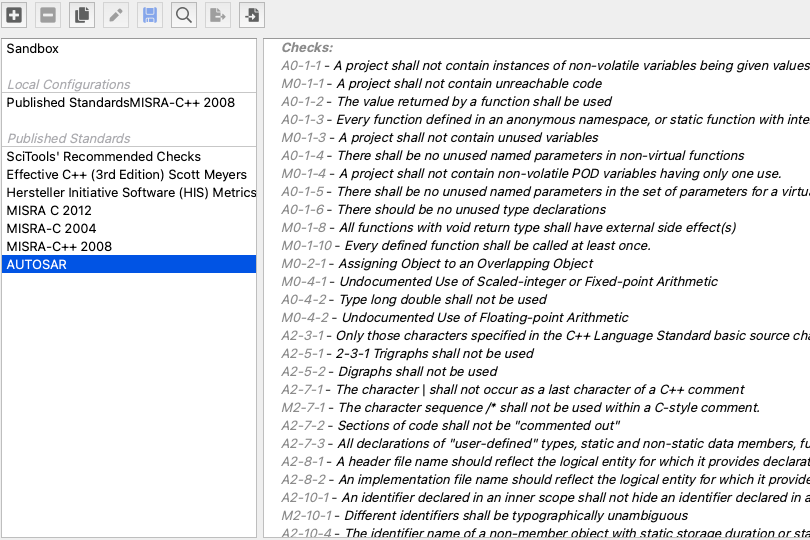
The easiest use cases are information AI doesn’t have access to, like violations. Want to know if your code is MISRA compliant, or which violations to fix first, or how to fix violations? The first step is giving your AI access to read violations. Understand’s MCP server reports violations to AI at a project, architecture, and file level, as well as providing access to which checks are running and check descriptions.
Metrics
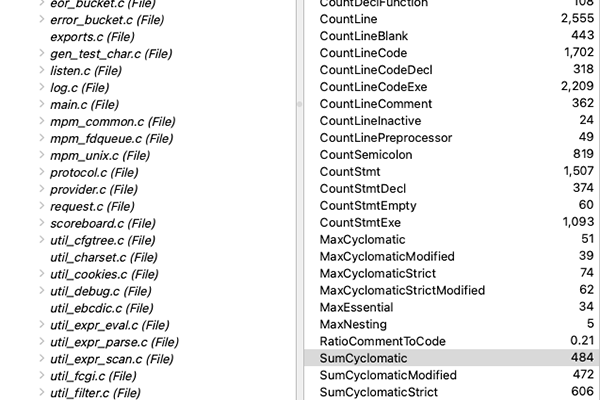
Like violations, metrics usually can’t be grepped. Personally, even where the AI could compute a metric like code lines, I’d rather have Understand calculate it so I know the result is deterministic. But the real power in metrics usually comes from ranking. It’s nice to know the cyclomatic complexity of a specific function. It’s even better to rank the functions across your entire project by cyclomatic complexity. Understand’s MCP server reports metrics for entities, architectures, and the project, and allows sorting lists of entities or architectures by metric. Finding the most complex function, the biggest file, or the folder with the most files is just a tool call away.
References
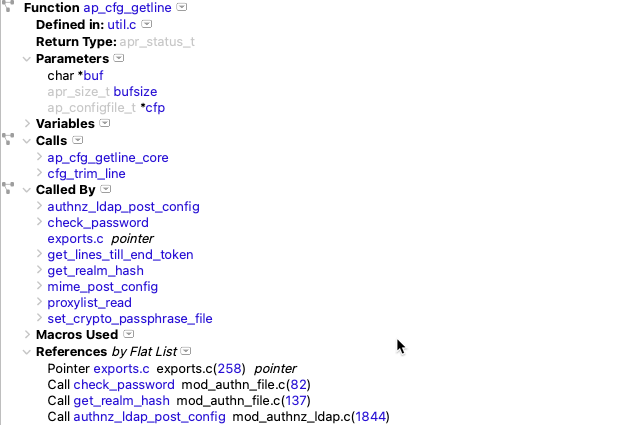
Finding call sites or variable uses or other references for a specific entity is where the AI is most likely to use grep even when Understand tools are available. Grep handles the simple cases. Understand is more accurate, takes fewer tool calls, and catches what grep misses, like calls through function pointers.
For example, I asked Claude to help me refactor a class with a constBegin() method. Claude used grep and concluded the function was never used after having to manually scan each result. And, being a pretty common function name, there were a lot of them. Unfortunately, Claude missed the actual use cases because the types weren’t obvious at the call sites. Telling Claude directly to use Understand got it right in just a few tool calls.
Dependencies
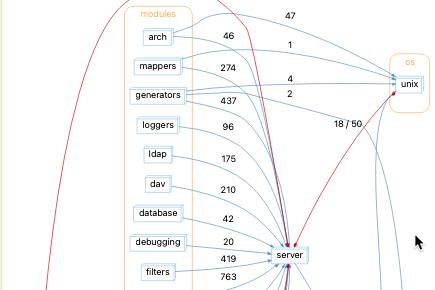
Individual references are one thing. But suppose you want to remove an entire library from your source tree. At that point, you want to find out how the rest of your source tree depends on that library. Understand’s powerful dependency analysis is available in results specifically designed for AI. Rather than digging through the Dependency Browser yourself, let the AI search the tree for you.
Understand can also be more accurate. For example, I was planning to move a file to another folder and asked Claude about dependencies. Claude read CMakeLists.txt and also ran grep for all the header files in the library to find includes. That approach was imprecise. One of the includes was unused and other files had dependencies despite having no direct includes. Understand’s MCP server reported the exact references (calls and types mostly), giving a more accurate result with fewer tool calls.
Source Code
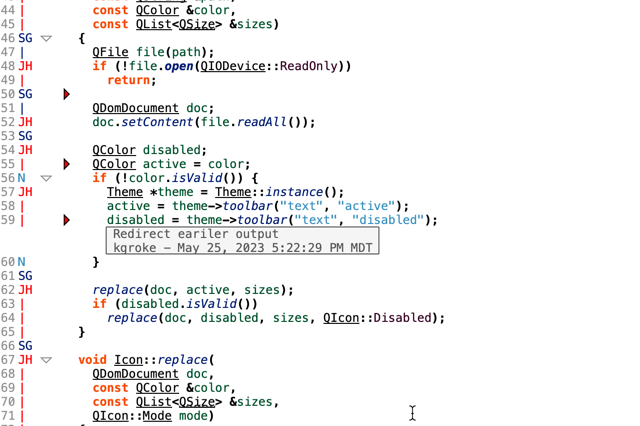
AI coding agents can already read source code, and for whole files, their built-in tools work best. But suppose you want to talk about line N in a huge file. The AI agent’s probably going to have to either read the whole file, or pick an arbitrary window to read. Understand’s MCP server uses a smart context to show all the scopes containing line N and fill in the most relevant code so the AI won’t be confused starting in the middle. Fold margins in editors help engineers focus on relevant code and Understand MCP server can do the same for an AI agent. It also allows jumping directly to an entity’s definition in one call.
Conclusion
Understand’s AI tools started as a simple Python server wrapping the API. Now they give your agent violations, metrics, references, and dependencies that grep can’t find. Whether you’ve used the older server, built your own, or haven’t tried it yet, give the new one a spin. And please help us grow by sending us your feedback.