
Understand 8.0 ships with a batch of Python API additions that have been on the wishlist for a while. Some of these close gaps that have been annoying plugin authors for years; a few open up workflows that weren’t really possible before. Here’s the rundown.
Generate Reports from Scripts
Understand 7 gave interactive reports real power: tables, images, multi-page output. The catch was that generating them from the command line required passing entity or architecture IDs manually, which made automation painful.
With 8.0, you can drive reports directly from Python. If you’ve built a report that documents a class, you can now write a script that iterates over every class in your project and generates that report for each one. Keeping documentation up to date becomes something a CI job can handle, not a manual task.
In-Memory Graph Data
The draw command has always been useful for producing image files, but getting the graph data into memory — say, to pass to an AI model or process programmatically — meant going through the filesystem first.
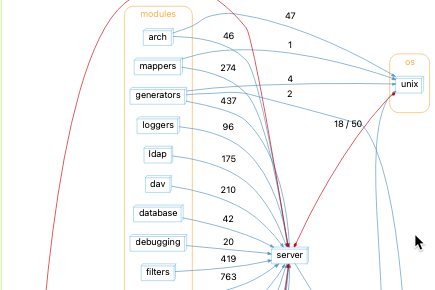
8.0 adds support for returning draw output directly in memory instead of always writing to a file. Any supported format — including SVG, PNG, DOT, and the new raw format — can now be returned directly to the caller. The raw format returns the Graph object itself, while formats like DOT or SVG may be more useful when you want to manipulate either the graph structure or layout information without creating an intermediate file.
The more interesting part: the returned graph includes sync information, so you can traverse it programmatically. Graphs like Shared Tasks can now be scanned in scripts without reimplementing the graph logic yourself.
Automatic Architectures on Demand
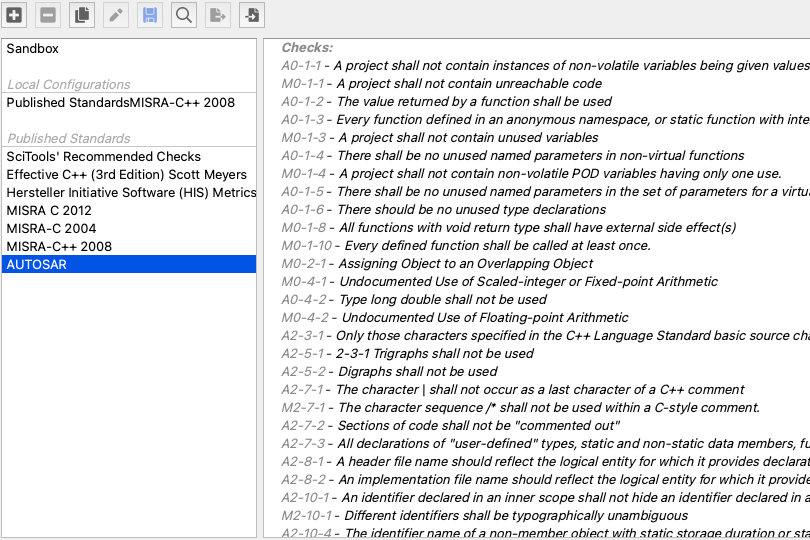
Understand has a solid collection of architecture plugins — copyright and license scanning, git author analysis, dependency pattern detection. Useful stuff. But if you wanted to use one of those architectures inside your own plugin, you either had to bundle the algorithm yourself or ask the user to enable the architecture manually before running your script.
8.0 lets you create automatic architectures on demand from the Python API. Your script can trigger the architecture it needs without any setup steps from the user.
Built-in Documentation for Graphs, Reports, and Architectures
Previously, figuring out what graphs were available and what options they accepted meant opening the GUI, navigating to the graph, and reverse-engineering an option string from what you saw. Not great if you’re working headlessly.
8.0 adds programmatic documentation for graphs, reports, and automatic architectures. You can list available graphs, query their options, and — importantly — edit the Options object directly and pass it into draw without constructing a format string by hand. Same pattern works for reports and architectures.
Improved Web Documentation
The Python API docs have been reorganized. The global sidebar now groups plugin-only classes separately from the general API, so you’re not hunting through Violation vs CheckViolation to figure out which one you actually need. (The rename to ViolationContext for plugin-context classes, covered below, helps clarify this further.)
More code snippets and inline examples are included throughout. Check it out.
Breaking Changes
The new features required some API reshaping. If you have existing scripts, a few things may need updating. Full details are in the support article, but here’s the summary.
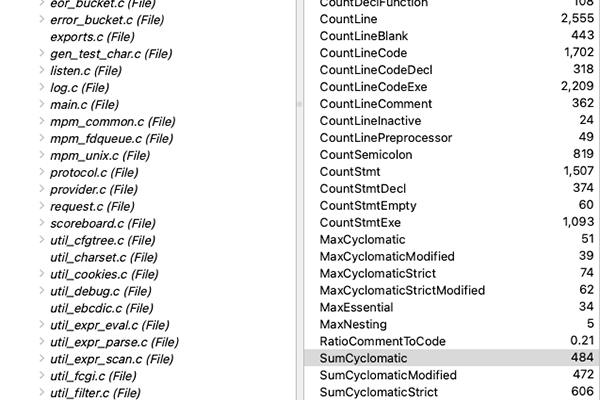
understand.Metric.list now returns Metric objects instead of strings. Metric.description(id) and Metric.name(id) are gone; use Metric.lookup(id).description() and Metric.lookup(id).name() instead. Code that passes understand.Metric.list() into ent.metric() will still run, but the dictionary keys in the result will be Metric instances rather than ID strings, so any downstream code using those keys may need updating.
Plugin-context classes have been renamed. Classes that are only available when passed into a plugin script now end in Context to make the distinction clearer:
understand.Graph→understand.GraphContextunderstand.IReport→understand.ReportContextunderstand.AutomaticArch→understand.AutomaticArchContextunderstand.MetricId→understand.MetricContextunderstand.Check→understand.CheckContextunderstand.CheckViolation→understand.ViolationContext
This mostly affects scripts using type annotations, since referring to these classes by name directly isn’t common otherwise.
"begin" reference queries now return both "Begin" and "Begin Body" references. A new Begin Body reference type was added to make it easier to distinguish body from declaration. If you’re filtering on "begin" references, you may get more results than before.